 Next Level
Scoreboard software for schools, clubs and gyms
Game time, on the big screen.
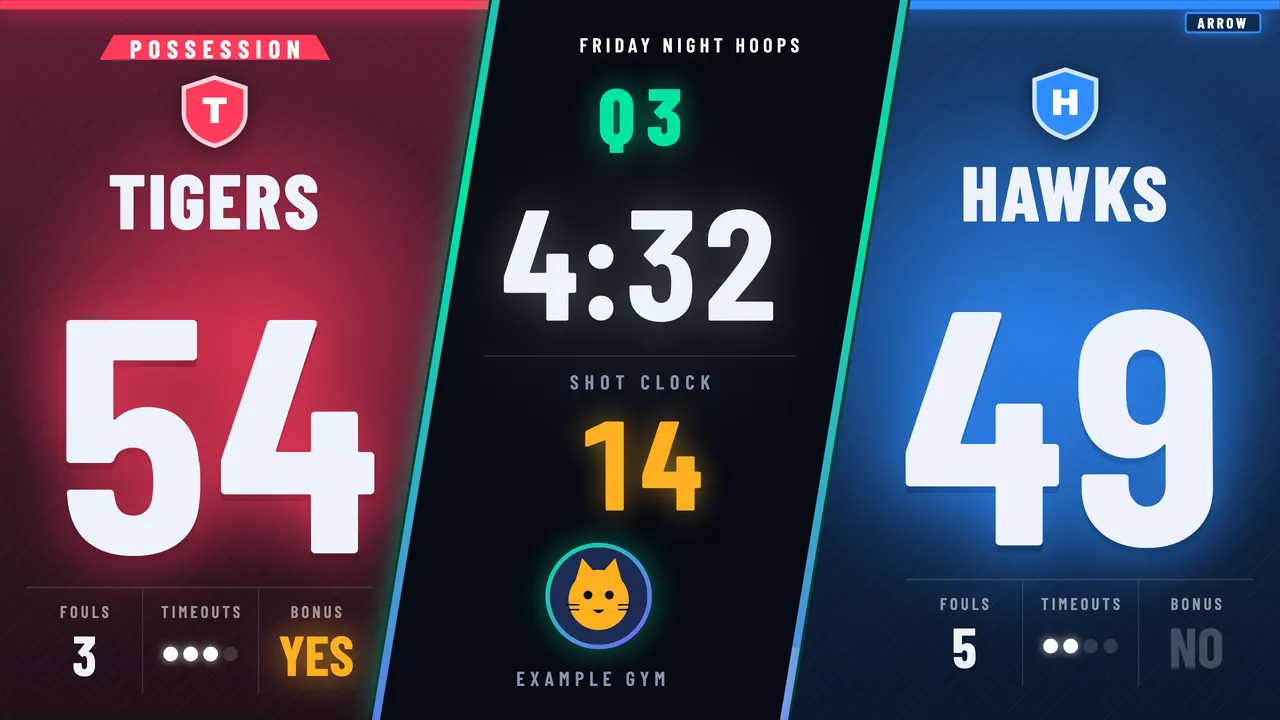
Turn the projector or TV you already own into a loud, bright, live scoreboard for basketball and volleyball. Set it up in minutes. Score it from a laptop, a phone or a Stream Deck.
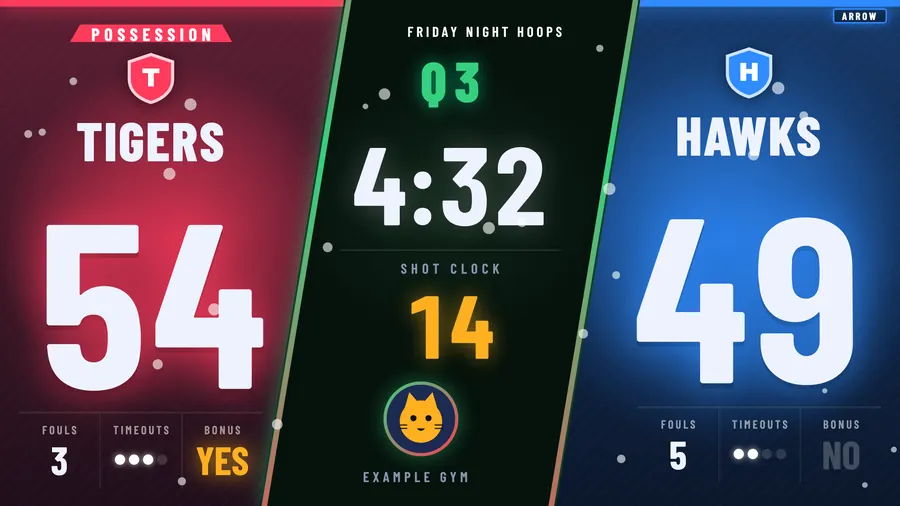
Example game. Team names are placeholders.
The problem
Game time should not run on a whiteboard.
- A broken or missing scoreboard. The one on the wall has been blank since someone lost the remote.
- A big bill for a new one. LED boards cost more than most gym budgets want to hear.
- Old software on one old PC. It works, as long as nobody touches that PC.
- You are the one who has to make it work. 5 minutes before tip-off. With a volunteer who has never seen it.
The guide
We know game time is bigger than the score.
It's the students, the families, the volunteer at the table. Next Level Scoreboards is built by a small team that works with live video, screens and events. We built it so a gym can look like a big night without a big install.
The plan
Plug in. Play. Score.
Install it on a laptop
One app on a Mac. Teams, colors and rule presets (high school, college, club, youth) take a few minutes.
Open the display on the projector
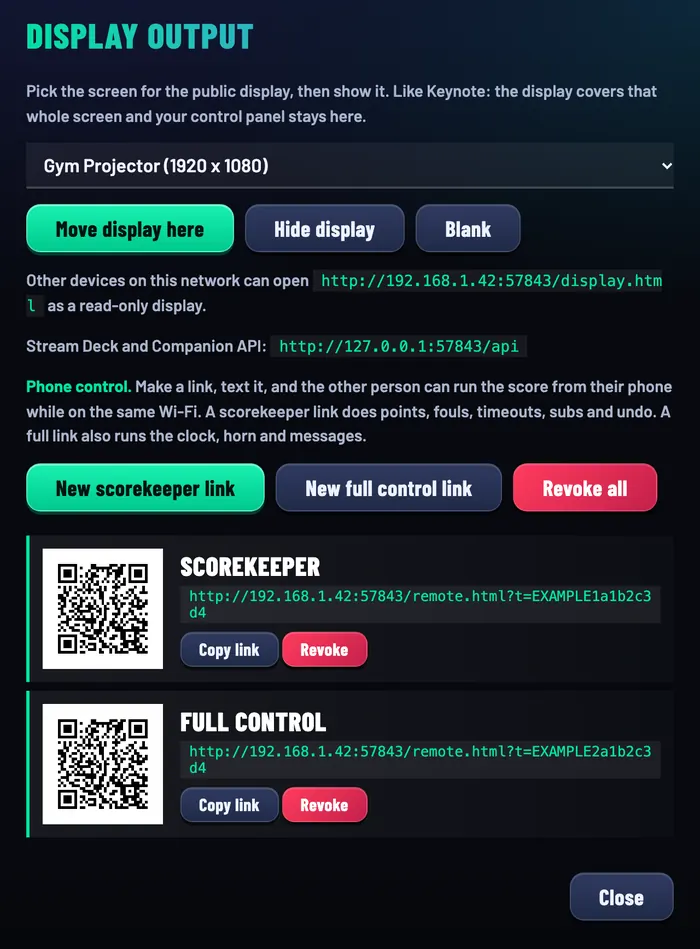
Pick the projector from a list. The scoreboard fills that screen. Your controls stay on the laptop.
Score from anywhere
Laptop keys, a phone on the same Wi-Fi, or a Stream Deck. Pick one, or use all three.
What you get
Built for the way gyms actually run.
Both sports. Rules built in.
- Game clock and shot clock
- Team fouls, bonus and double bonus, player foul-out
- Possession arrow and jump ball
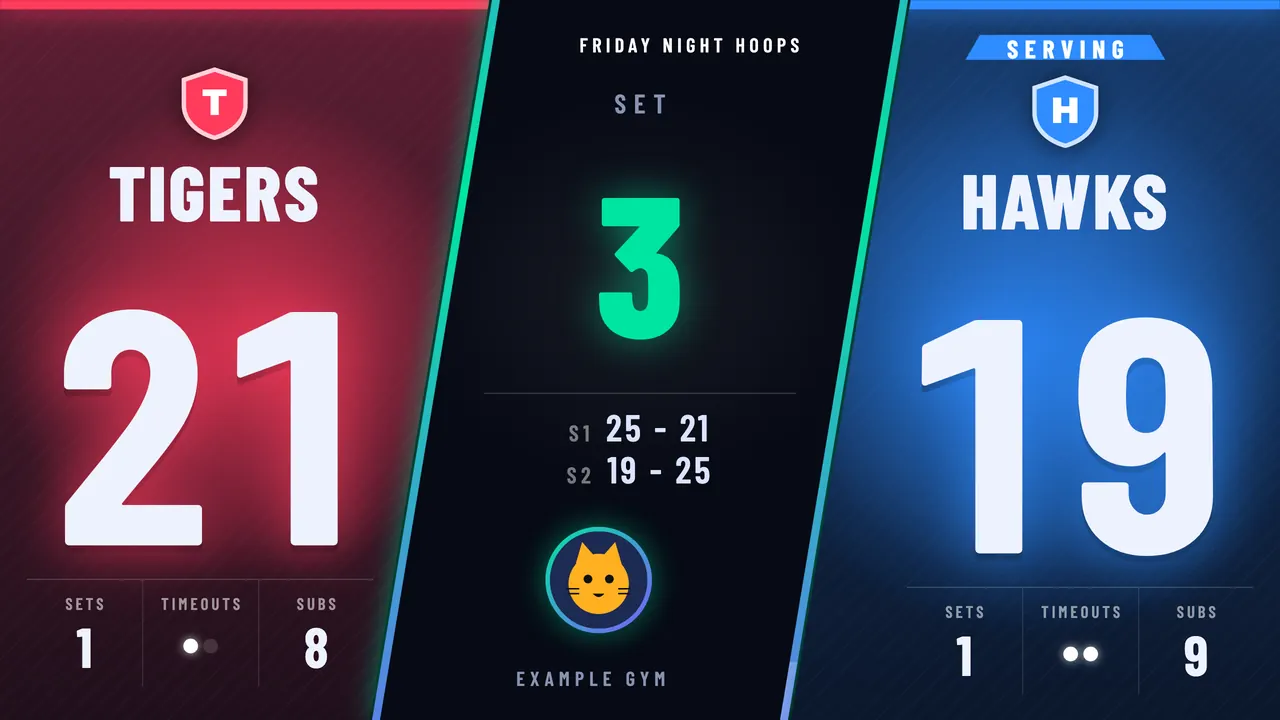
- Volleyball rally scoring, win by 2, best of 3 or 5
- Set history and a serve indicator

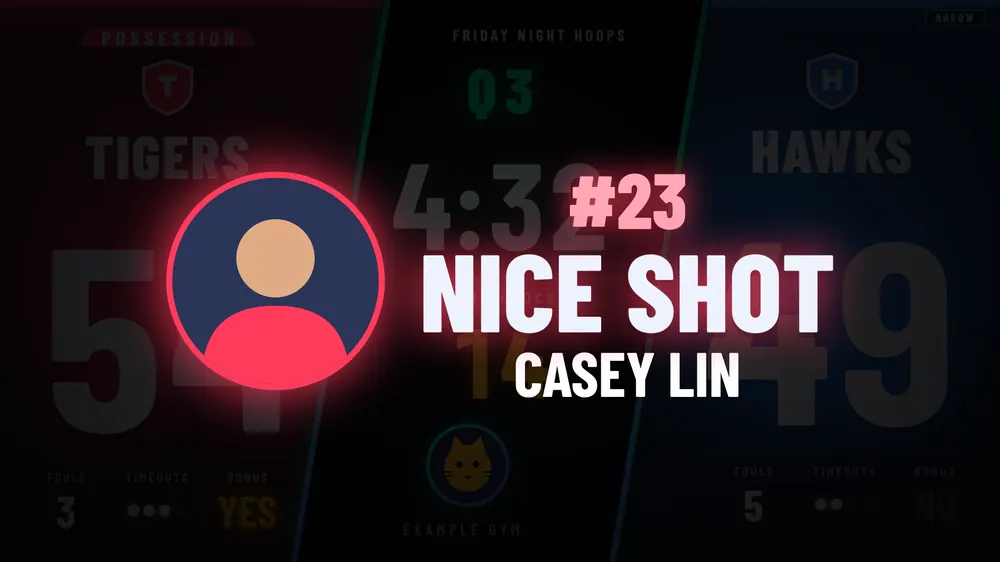
Lineup cards. Pop-up messages.
Introduce the starters one at a time, with photos. Then keep the crowd in it.
- One tap messages like "Monster block" or "Great effort"
- A message with a player: photo, number, name
- Edit the preset messages to fit your gym
- Timeouts show a live countdown
Your logo. Your colors. The season.
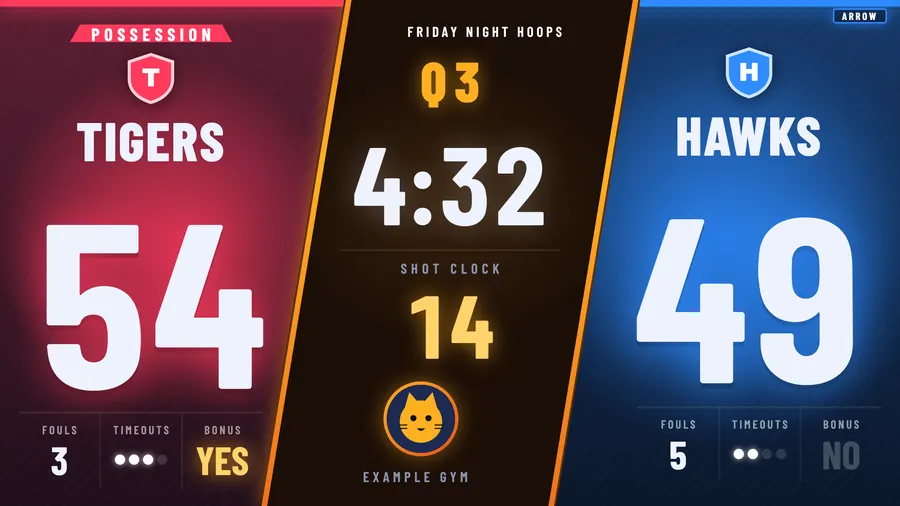
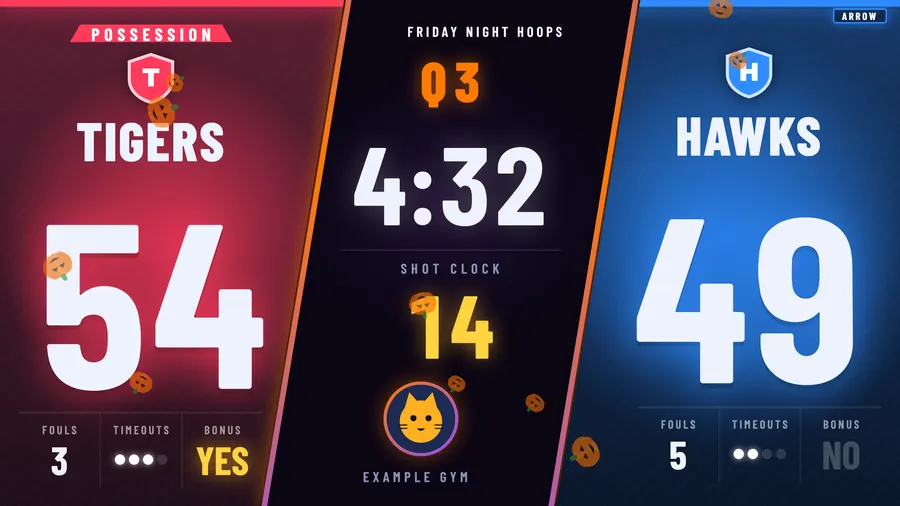
Add your school or club logo and team colors. Then swap the look for the time of year. Try the chips above the scoreboard to see it change.
- Neon, retro 70s, Christmas, Halloween and more
- Saved teams: colors, logo and roster in one click
- Display in English or Spanish
Score from a phone. Scan a QR code.
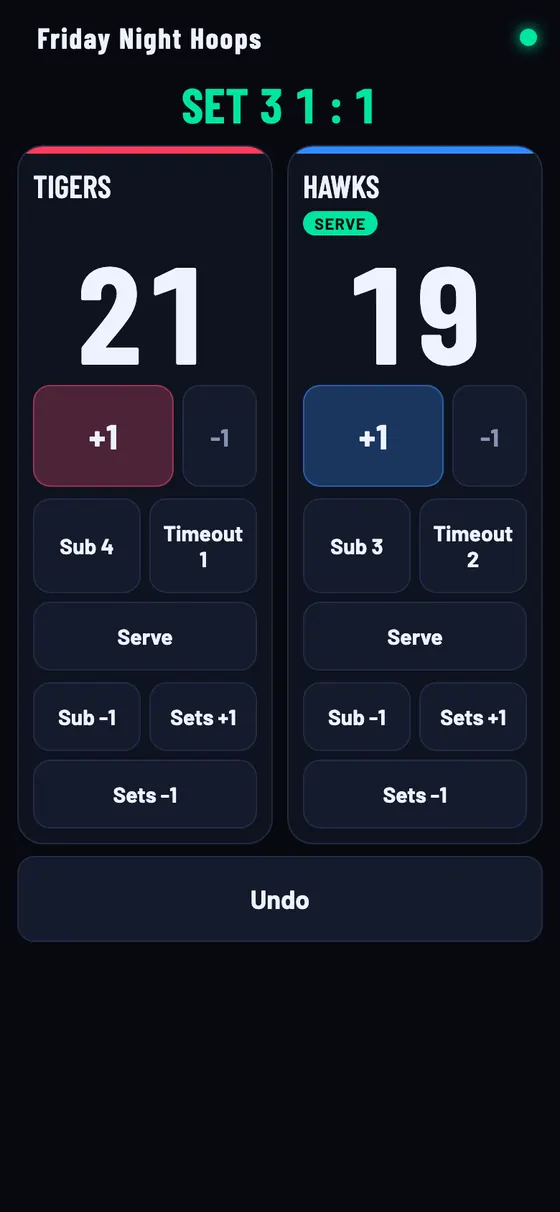
Make a link, scan the QR code, and a helper runs the score from the bleachers.
- Scorekeeper link: points, fouls, timeouts, undo
- Full control link: adds the clock, horn and messages
- Revoke any link any time
- Phone needs to be on the same Wi-Fi as the laptop
Stream Deck keys
OptionalPhysical buttons for the whole game: score, fouls, timeouts, shot clock, messages. Destructive keys like New Game need a 1 second hold, with a progress bar, so nobody wipes the score by accident. Key faces above are an illustration. The plugin is built and its layouts are tested in software, but we haven't run it on real Stream Deck hardware yet.
See it in action
Watch a game run itself. Almost.
A laptop, a projector screen, a phone and a Stream Deck, all on the same example game.
The video shows the three steps above in order: install, open the display on a projector, score from laptop, phone and Stream Deck. Captions are on screen. Prefer text? "The plan" section covers every step.
What's at stake
Same gym. Two different seasons.
Another season of this
- A score kept on a whiteboard
- A dead board and a "we're working on it" email
- A volunteer panicking at 6:55 pm
- An LED quote the budget can't cover
Or this
- A scoreboard everyone can see, in your colors
- A volunteer who runs it after one walkthrough
- Starters introduced with their photos
- A home game that feels like a big night
Straight answers
FAQ
Does it work offline?
Yes. The app runs on the laptop and doesn't need the internet during a game. The one catch: phone control needs the phone and the laptop on the same Wi-Fi network.
What do I need?
A Mac laptop, and a projector or TV connected as a second screen. A phone and a Stream Deck are optional extras.
What about Windows?
Honest answer: a Windows version is prepared, but it hasn't been tested on a real Windows PC yet. Mac is the supported path today. Tell us in the pilot form if Windows is your must-have.
Which sports?
Basketball and volleyball. Nothing else yet.
How much does it cost?
Pricing isn't set. Join the pilot list and we'll talk, with no surprises.
Is there an installer to download?
Not a public one yet. Pilot users get a Mac installer from us directly. It isn't code signed yet, so the first open takes one extra click, and we'll walk you through it.
Pilot list
Make your next home game the best one yet.
We're lining up the first gyms, schools and clubs. Tell us a bit about yours. Pricing: join the pilot list and we'll share it first.
Prefer email? hello@nextlevelscoreboards.com